1. Log in to your Plesk account.
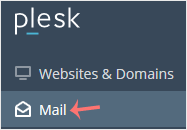
2. Click on Mail from the Sidebar Menu.
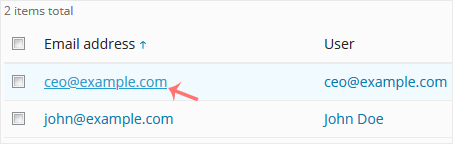
3. From the email list, click on the email account you want to rename.
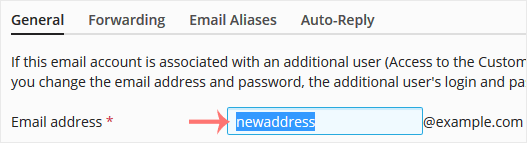
4. Enter the new email name in the email address field.
5. Scroll down and click OK.
Fast, reliable hosting for every need — from simple shared hosting and WordPress to cloud servers, reseller hosting and complete website solutions, we have the right platform for you.
1. Log in to your Plesk account.
2. Click on Mail from the Sidebar Menu.
3. From the email list, click on the email account you want to rename.
4. Enter the new email name in the email address field.
5. Scroll down and click OK.
Follow this tutorial to create an email account in Plesk. 1. Log in to your Plesk account. 2....
You can access your Email directly from Webmail. Open https://webmail.example.com, and replace...
You can change your email password in Plesk through the following steps: 1. Log in to your Plesk...












