Get 30% off your WordPress Hosting with code WPSAVE10. Launch Faster. Save More!
  • 00 Days
  • 00 Hours
  • 00 Minutes
  • 00 Seconds

How to Access Softaculous in SiteWorx

Softaculous is a one-click script installer that automates the installation of web applications to a website. You can access it via SiteWorx.

1. Log in to your SiteWorx account.

2. In the Additional Features section, click on Sofataculous.

sw-softaculous-icon.gif

3. SiteWorx will open the Softaculous interface.
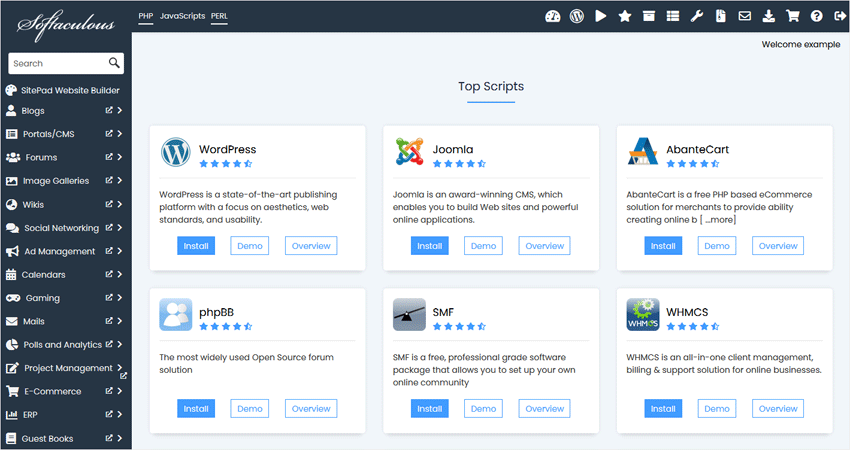
siteworx-softaculous-interface.gif

If you want to go back to SiteWorx, click on the Go to Control Panel icon.
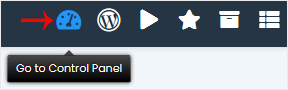
sw-softaculous-goback.gif

  • 0 Users Found This Useful
Was this answer helpful?

Related Articles

What is Softaculous?

Softaculous is an Auto-Installer that allows the automated installation of a script through a...










