Get 30% off your WordPress Hosting with code WPSAVE10. Launch Faster. Save More!
  • 00 Days
  • 00 Hours
  • 00 Minutes
  • 00 Seconds

How to Access Softaculous in cPanel

Softaculous is a one-click script installer that automates the installation of web applications in a website. You can access it via cPanel.

1. Log in to your cPanel account.

2. In the Software section, click on Softaculous Apps Installer.

3. cPanel will open the Softaculous interface.
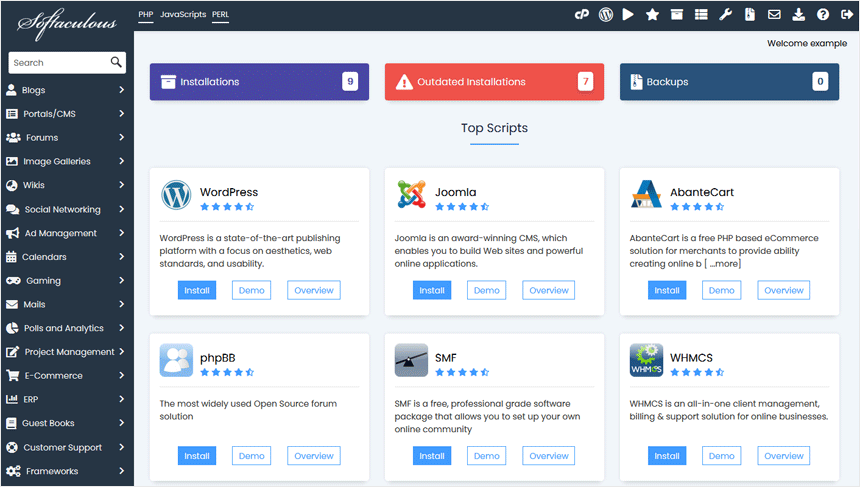
cp-softaculous-interface.gif

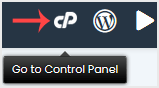
If you want to go back to cPanel, click on the cPanel icon.
  • 0 Users Found This Useful
Was this answer helpful?

Related Articles

What is Softaculous?

Softaculous is an Auto-Installer that allows the automated installation of a script through a...










