To add a staging website
- Open Websites in the left sidebar
- Click Add new
- Select either Start from scratch, Install an app or Clone a website and select the Make this a staging site checkbox
- Click Add to finish
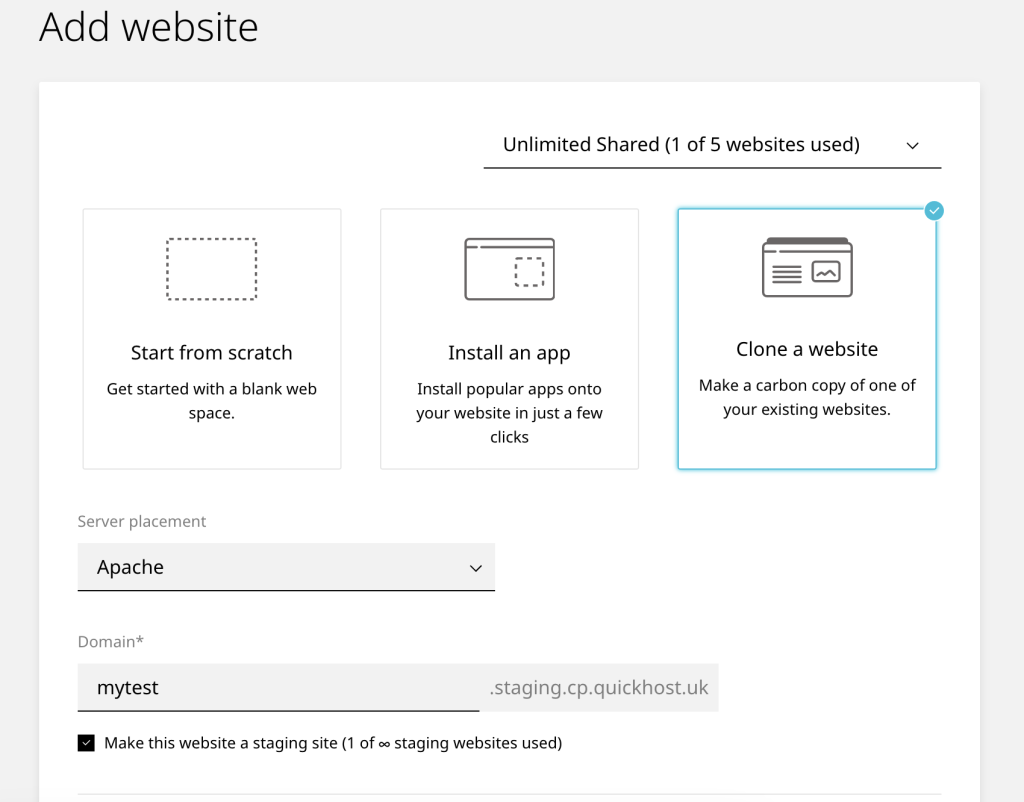
Don’t forget to choose a server placement: Apache, Nginx, or LiteSpeed.
To push a staging website live
- Open Websites in the left sidebar
- Select the staging website you would like to push live
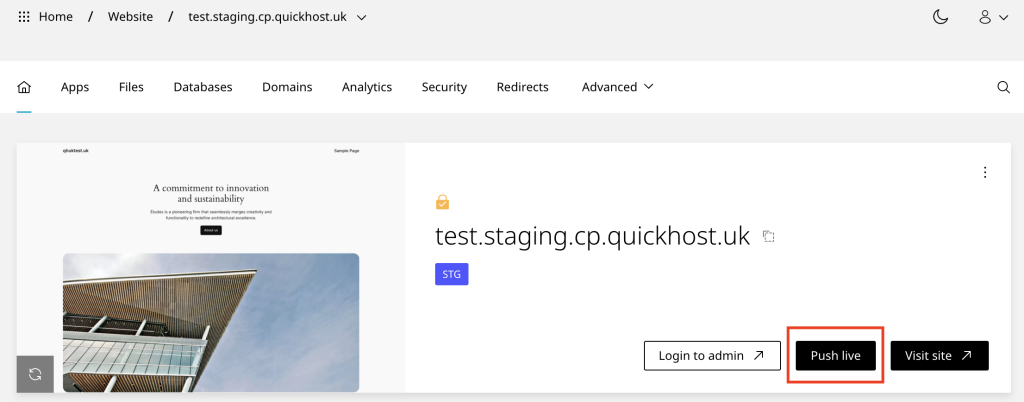
- On the website dashboard select Push live
- When the modal loads input a domain and click push live to finish
On the next page, if you’re pushing your staging site live and want to include new images and media, be sure to uncheck the Exclude files option for wp-content, as it is excluded by default:
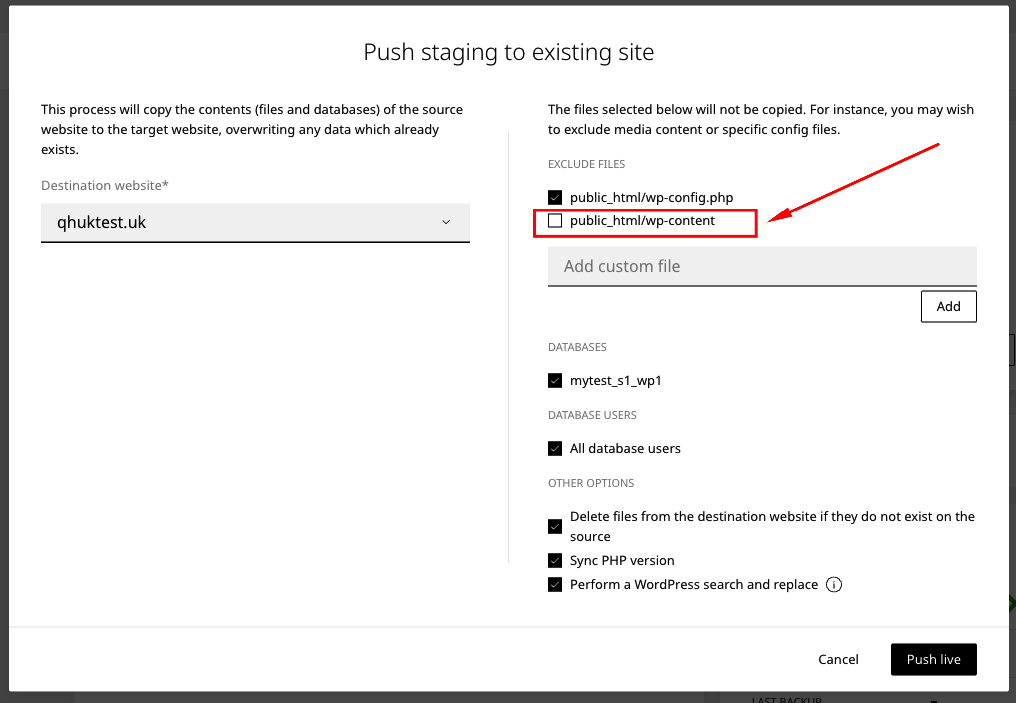
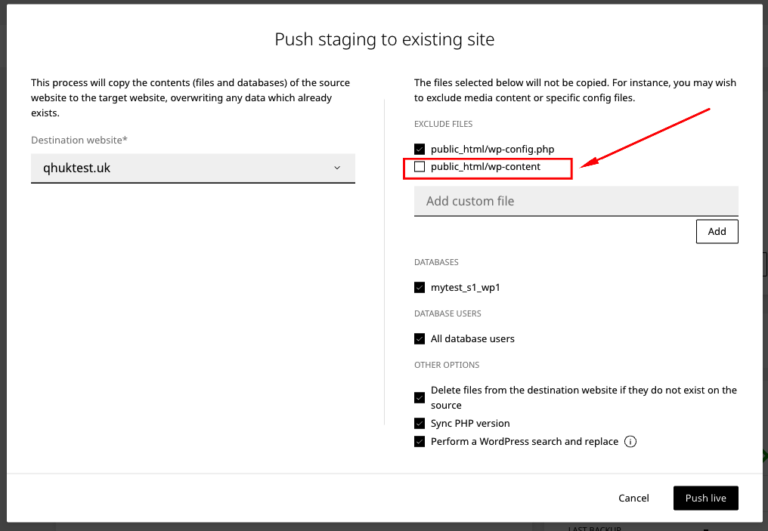
Ensure the Exclude files option for wp-content is unchecked to sync new images and media!
Disable any cache plugins on the live site before pushing live.
Troubleshooting
The website content does not change
Exclude files
Ensure the Exclude files option for wp-content is unchecked so the Push Live can sync new images and media etc.
Caching is enabled
If caching is enabled on the live website, you may be viewing a cached version of the page. Clear the WordPress cache using the plugin and refresh the page to see the latest changes. You should always disable any cache plugins on the live site before pushing live.












