To install a free SSL
- Open Websites in the left sidebar
- Select the desired website
- Select Security
- Click the (3 dots) and then Request Let’s Encrypt certificate
.png)
It’s advisable to also Request Let’s Encrypt certificate for mail at this point.
The SSL request can only be processed successfully if the domain is directed to the web server through DNS or name server settings!
To install a paid SSL
- Open Websites in the left sidebar
- Select the desired website
- Select Security
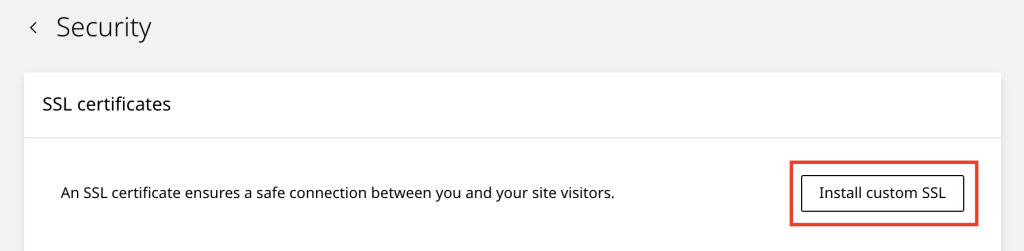
- Click Install Custom SSL
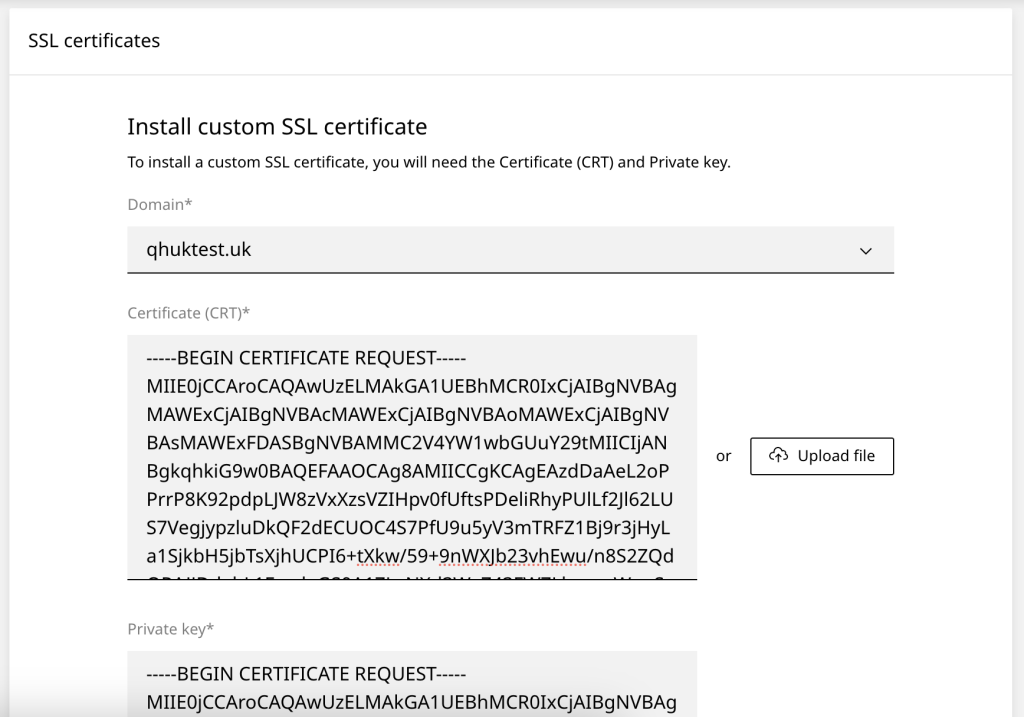
- Enter the Certificate (CRT)* and Private key* and click Upload