To invite users to manage your websites and hosting panel:
- On the left menu click Users
- Click Invite user
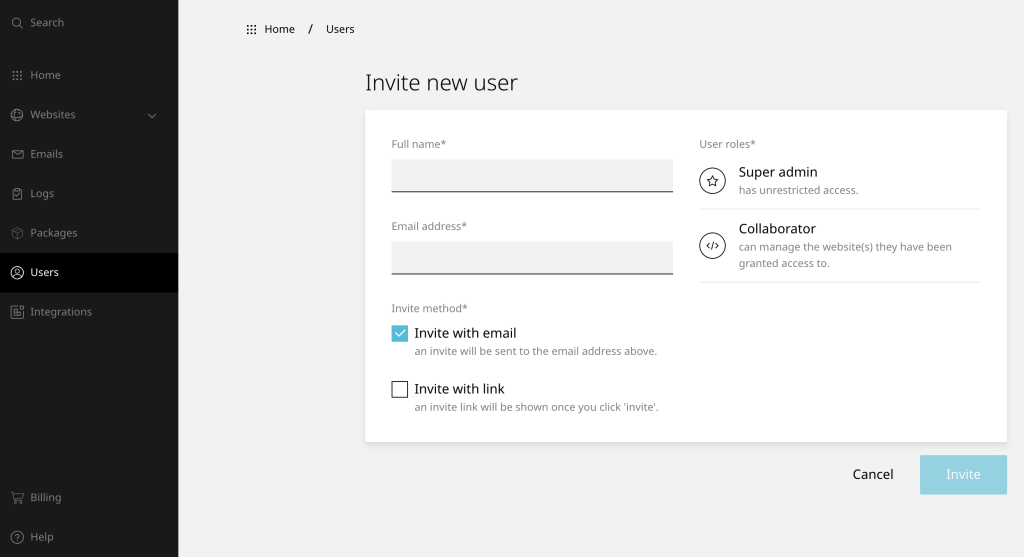
- Enter the desired user details and roles
- Follow the onscreen instructions
- Click Invite to finish
Once the user is invited, they will have to click the link in the invitation email and set up their account. An invitation automatically expires after 10 days.












