Follow these steps to change your Enhance owner/master user password:
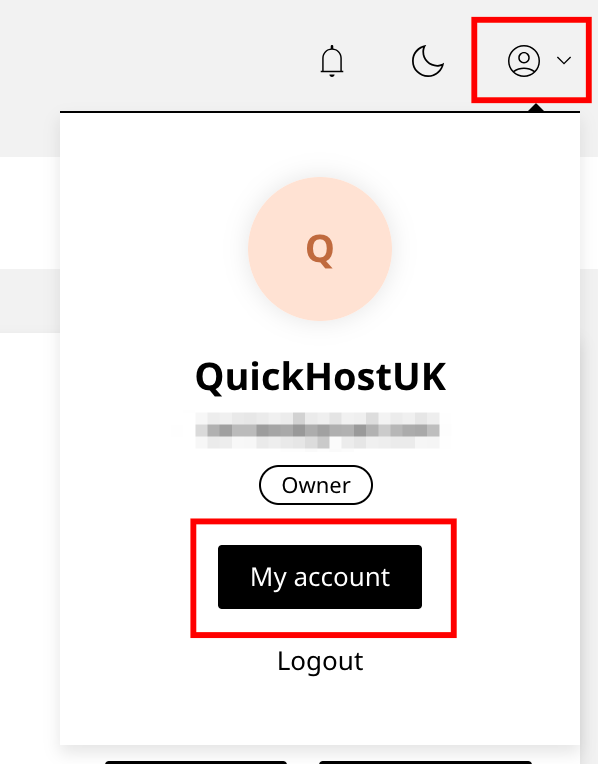
- Click the user icon in the top-right corner of the page.
- Select My Account from the dropdown menu.
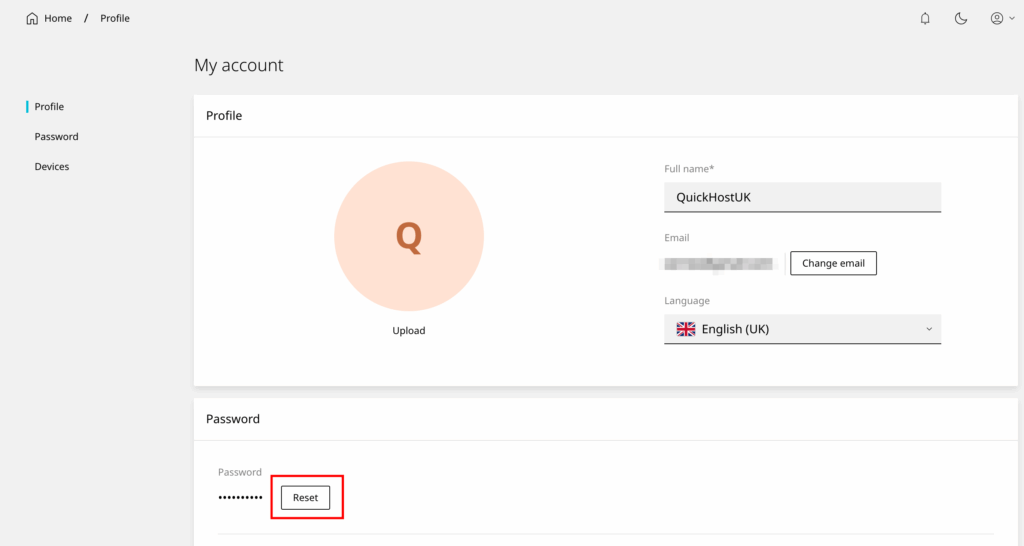
- Click on the Password tab (left menu).
- Press the Reset button.
- Enter a new password or click Generate to create a strong one automatically.
- Click Save to apply the changes.
Your owner/master user password has now been updated.












