When developing a site you may want to put up a maintenance page. You can use the SIRSTEVEHQ CP Maintenance Mode tool to do that. The maintenance page can be bypassed using a password, so only selected users can view the progress of the website's development. The tool is accessed directly from your SIRSTEVEHQ CP account.
To use the tool:
- Head to SIRSTEVEHQ CP
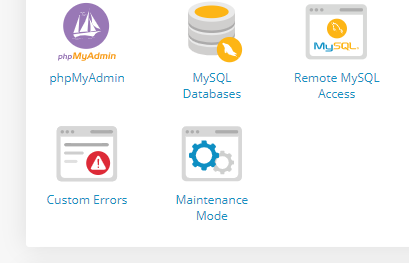
- Select Maintenance Mode
Here you'll have two options: Configure (all domains) & Configure. If you want to set up Maintenance Mode for individual domains on the package, select Configure next to the domain in question. Choose Configure (all domains) to put all domains on the package behind a maintenance page.
To configure the maintenance page:
- Select Configure and check Enable Maintenance Mode
- You'll need to set a password to allow selected users to authenticate and bypass the maintenance page
- We'll set a default theme for your maintenance page.
- Once done, select Save
Your selected domains will now be behind a maintenance page and visitors will be prompted for a password to view the site.
Note: If a wrong password is entered, you'll be redirected to the Maintenance Page template. To view the password field again you'll need to re-visit the URL. Once you've logged in, your session will be saved for one hour before automatically ending. At that point you'll need to reauthenticate with the password.












