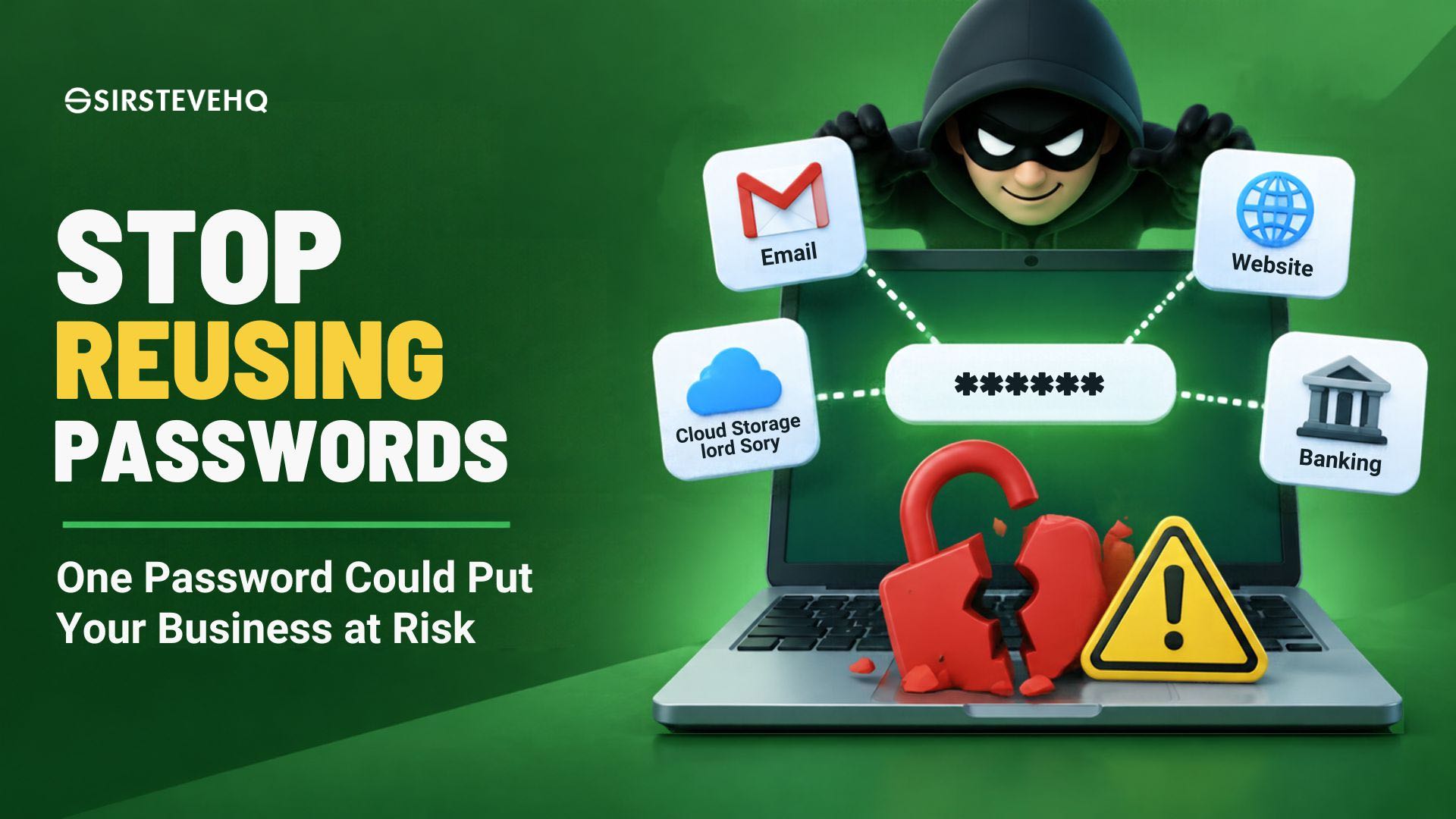
A password used to sign up for a shopping website should never be capable of opening the door to your company's hosting account.
Yet, this is exactly the kind of risk people create when they use the same password across multiple online services.
Think about the number of accounts an average business owner manages. There is an email account, domain registrar, hosting control panel, website administrator account, social media pages, payment platforms, banking applications and perhaps several other services.
Remembering a different password for every account can become frustrating. So, instead of creating and managing dozens of passwords, some people settle on one familiar password and use it everywhere.
It seems convenient until one of those services experiences a data breach.
A password exposed on a relatively unimportant website could become the key an attacker needs to access something far more valuable, such as your business email or website administration account.
This is one of the reasons password reuse remains a serious cybersecurity concern. It is not simply about choosing a password that is difficult to guess. It is about ensuring that one compromised account does not put every other account at risk.
For business owners, freelancers and organisations that depend on digital services, understanding this risk is an important part of protecting their operations.
How One Compromised Password Can Affect Multiple Accounts
There is a particular type of cyberattack known as credential stuffing.
It happens when attackers obtain usernames and passwords exposed through a data breach and attempt to use those same login details on other websites and services.
For example, suppose you use the same email address and password for three services:
- An online shopping platform.
- Your business email account.
- Your website hosting account.
If the shopping platform suffers a breach and your login details are exposed, an attacker may attempt to use those credentials on your email and hosting accounts.
If the password is identical and the other services accept it, the attacker may gain access.
The attacker does not necessarily need to know which accounts are important to you. Automated tools can test stolen credentials against numerous services.
The US Cybersecurity and Infrastructure Security Agency (CISA) identifies password reuse as a risk because a compromised password can be used to access multiple systems. NIST's Digital Identity Guidelines also explain the importance of distinct passwords in preventing password-stuffing attacks.
The danger is that a security incident involving one service can spread to accounts that were never directly affected by the original breach.
This is why using a different password for every important account is more than a recommendation. It is a basic way to limit the damage caused by compromised credentials.
Why Business Accounts Are Particularly Vulnerable
Personal accounts and business accounts are often connected in ways people do not fully consider.
A business owner might use one email address to register a domain, another to manage hosting, and the same password across several platforms.
An employee might use a familiar password for the company's social media account and a personal account.
A freelancer might manage multiple clients' websites using credentials that have been shared informally over time.
These habits create unnecessary exposure.
Consider what an attacker could potentially do after gaining access to certain business accounts.
1. Business Email
Email is particularly important because it is often used to reset passwords for other services.
If someone gains access to your business email account, they may be able to request password-reset messages for accounts registered with that address.
Depending on the security controls of those services, this could expose access to other business platforms.
An attacker might also impersonate the business when communicating with customers, suppliers or employees.
2. Web Hosting Accounts
Your hosting account may provide access to website files, databases, email services, backups and other technical settings, depending on the hosting platform and permissions assigned.
If an unauthorised person gains access, they could potentially interfere with your website or access information stored within the account.
This makes your hosting login a sensitive credential, not just another password to remember.
3. Domain Registrar Accounts
Your domain account controls an important part of your online identity.
Depending on the registrar's available controls, someone with unauthorised access may be able to change DNS settings, modify registration details or initiate other actions affecting your domain.
A compromised domain account can therefore have consequences beyond the domain registration itself. It may affect website access and business email.
4. Website Administrator Accounts
For businesses running WordPress, the administrator account provides access to important website management functions.
An attacker who gains administrative access may be able to modify website content, install unauthorised components or interfere with the website.
Using the same password for WordPress and unrelated services increases the number of ways an attacker could reach that account.
5. Payment and Financial Accounts
Business owners also manage payment gateways, invoicing platforms and financial services.
These accounts deserve particularly careful protection because unauthorised access could expose financial information or allow fraudulent activity, depending on the permissions available.
A password used on an unrelated website should never be the same one protecting a payment platform.
The Problem With Creating Slightly Different Passwords
Some people understand that reusing passwords is dangerous, but their solution is simply to make small changes.
For example:
Company2025!Company2026!Company2027!
Or perhaps they use the same password with a different number at the end for each service.
This approach may feel like using different passwords, but predictable variations can still make accounts easier to compromise.
If an attacker discovers one password, they may try obvious variations, especially when the person's naming patterns or personal information are publicly available.
A password based on your company name, birthday, phone number or a familiar phrase may also be easier to guess than you think.
The goal should not be to create several versions of the same password. It should be to use genuinely different passwords that are not derived from one another.
What Makes a Good Password Today?
Password advice has changed over the years.
For a long time, people were encouraged to create passwords containing a combination of uppercase letters, lowercase letters, numbers and special characters. While these elements can contribute to a password's strength, simply adding symbols does not automatically make a password secure.
Modern guidance places considerable importance on password length, uniqueness and resistance to common guessing attempts.
NIST's 2025 Digital Identity Guidelines recommend a minimum of 15 characters for passwords used as a single authentication factor in the relevant assurance context. The guidelines also discourage rigid character-composition rules and routine password changes without a reason to believe a password has been compromised.
For everyday users, some practical principles are worth following:
Use long passwords. Longer passwords and passphrases can make guessing more difficult, particularly when they are not based on predictable personal information.
Make every password unique. A password used for your email should not also be used for your hosting account or social media profile.
Avoid predictable information. Do not rely on your business name, birth date, phone number or other information that someone could discover online.
Do not use familiar patterns. Adding a different year or symbol to an existing password is not a reliable way to create a new one.
Use a password generator. Randomly generated passwords can help eliminate the temptation to reuse familiar phrases.
The most important thing is to avoid treating password complexity as a substitute for uniqueness.
A very strong password reused across ten accounts can still expose all ten accounts if that password is compromised.
Why You Should Consider Using a Password Manager
One obvious question follows: how is anyone supposed to remember dozens of long, unique passwords?
The practical answer is a password manager.
A password manager is an application or service designed to generate, store and retrieve passwords securely. Instead of memorising every password, you protect your stored credentials through a master password and the security features provided by the manager.
For example, you could have a different randomly generated password for:
- Your business email.
- Your domain registrar.
- Your hosting control panel.
- Your WordPress administrator account.
- Your payment gateway.
- Your social media accounts.
- Your banking applications.
The password manager stores the credentials and helps retrieve the correct one when you need it.
This removes much of the pressure to remember every password or reuse the same one.
NIST's 2025 guidelines recognise the role password managers can play in supporting distinct passwords for different services. CISA also recommends password managers as a practical way to create and store strong, unique credentials.
However, using a password manager does not mean you should ignore security.
How to Choose a Password Manager
Before selecting one, consider the following:
Security architecture: Understand how the provider encrypts stored credentials and protects access to your password vault.
Multi-factor authentication: Choose a service that supports additional authentication protection.
Device compatibility: Ensure it works across the devices you regularly use.
Password generation: Look for the ability to generate long, random and unique passwords.
Security alerts: Some password managers can identify weak, reused or exposed passwords.
Recovery arrangements: Understand what happens if you forget your master password or lose access to your devices.
Remember that your password manager becomes an important part of your security setup. Protect its master password carefully and enable additional authentication where supported.
Do not store your entire password collection in an ordinary, unprotected text document or spreadsheet. That simply creates another single point of failure.
Multi-Factor Authentication: What Happens If Someone Steals Your Password?
Even when you use unique passwords, you cannot guarantee that your credentials will never be exposed.
You could accidentally enter your login details on a phishing website. A service you use could suffer a breach. Your device could be compromised.
This is where multi-factor authentication becomes important.
Multi-factor authentication (MFA) requires an additional form of verification beyond your password. Depending on the service, this might involve an authenticator application, a security key, a passkey or another supported verification method.
For example, when you sign in to an account, you may be asked to provide:
- Your username and password.
- A time-based verification code from an authenticator application.
Even if someone obtains your password, they may still be unable to access the account without the additional authentication factor.
MFA is not a guarantee against every attack. Some methods can be vulnerable to phishing, social engineering or other forms of compromise. Where available, phishing-resistant methods such as appropriately implemented passkeys or security keys offer stronger protection against credential theft.
CISA and NIST both emphasise MFA as an important security measure, particularly for sensitive business accounts.
Which Accounts Should Have MFA Enabled?
Start with the accounts that could cause the greatest damage if compromised.
These include:
- Your primary business email account.
- Your domain registrar account.
- Your web hosting account.
- Your website administrator account, where supported.
- Your payment gateway and financial accounts.
- Your cloud storage and business collaboration platforms.
- Your password manager.
Do not wait until you experience a security incident before enabling additional account protection.
For SIRSTEVEHQ customers, two-factor authentication is available through supported methods including SMS, PIN, email and authenticator applications. Customers should enable the available option that best suits their account and security needs.
A Business Should Not Depend on One Person's Memory
Password security is not only an individual responsibility. It is also an operational issue.
Consider a small company where the founder manages the hosting account, the website developer knows the WordPress password, and an employee handles social media.
Everyone has access to different parts of the business, but nobody has documented how those accounts are secured or who should retain access.
What happens when an employee leaves?
What happens when a freelancer stops working with the company?
What happens when the founder loses access to their primary email account?
Without proper access management, the business may struggle to recover accounts or establish who should have access.
A more organised approach includes:
- Keeping an inventory of important business accounts.
- Assigning access according to each person's responsibilities.
- Avoiding shared passwords wherever individual user accounts are available.
- Using a password manager with appropriate sharing and access controls.
- Removing access when employees or contractors leave.
- Reviewing administrator permissions periodically.
- Keeping secure recovery information available to authorised decision-makers.
The National Institute of Standards and Technology (NIST) also highlights the importance of limiting access to people who need it and removing access when their responsibilities change.
A business does not need a large IT department to follow these principles. Even a small team can establish sensible access procedures.
When Should You Change Your Password?
There is a common belief that every password should be changed every 30, 60 or 90 days.
However, modern guidance does not support forcing routine password changes without a reason.
NIST's current guidance discourages arbitrary periodic password changes. Repeatedly changing passwords can encourage users to create predictable variations or choose weaker passwords simply to make them easier to remember.
Instead, change a password when:
- You suspect that it has been exposed.
- You receive a credible notification that the service suffered a breach affecting your credentials.
- You discover that the password has been reused across multiple accounts.
- You have shared it with someone who should no longer have access.
- You suspect that your account has been accessed without permission.
- A service provider requires a change following a security incident.
If you discover that one password has been reused across several accounts, do not change only the password of the service where the breach occurred. Change it everywhere else it was reused, beginning with your most sensitive accounts.
Also review active sessions, recovery email addresses, connected devices and other account security settings where the service provides those controls.
A Practical Password Security Checklist for Business Owners
You do not need to overhaul your entire digital operation in one day. Start with the accounts that matter most.
Use this checklist to assess your current password habits.
- My business email has a unique password.
- My domain registrar account has a unique password.
- My hosting account has a unique password.
- My WordPress administrator account has a unique password.
- My payment and financial accounts have unique passwords.
- I use a reputable password manager or another secure credential storage method.
- I have enabled MFA on important accounts wherever it is available.
- I do not share administrator passwords unnecessarily.
- I know how to recover access to my important accounts.
- I remove access when employees or contractors no longer need it.
- I have reviewed old accounts and changed reused or exposed passwords.
If several of these statements are not true, you have a good starting point for improving your business security.
Final Thoughts: Convenience Should Not Come at the Expense of Security
Using the same password everywhere may save a few seconds when signing in, but it creates a connection between accounts that should remain separate.
Your shopping account should not determine the security of your business email. A compromised social media login should not put your hosting account at risk. And a password exposed through an unrelated website should not become the key to your company's digital operations.
Start by identifying your most important accounts. Give each one a unique password, use a password manager to make the process manageable and enable multi-factor authentication wherever possible.
If you manage a website, pay particular attention to your hosting control panel, domain registrar and administrator accounts. These are important parts of your online infrastructure and deserve the same care as your financial and communication platforms.
Good security is not always about buying expensive tools or hiring a cybersecurity team. Sometimes, it begins with correcting a simple habit that has quietly exposed your business for years.
One password should never be the key to your entire business.
















Comments (0)
No comments yet. Be the first to comment!